AuRaSim: A Ray-Tracing-Based Automotive Radar Simulator for Dynamic Digital-Twin Scenarios
Abstract
This is a template you can use to create a professional-looking, accessible, and performant project page for your research paper. See the code for the template and instructions on how to use it yourself on GitHub. It’s made with the Astro web framework and styled with Tailwind. You write the content in MDX, which enables markdown formatting like bold, italics, and strikethrough, as well as custom components like small caps.
Demonstrations
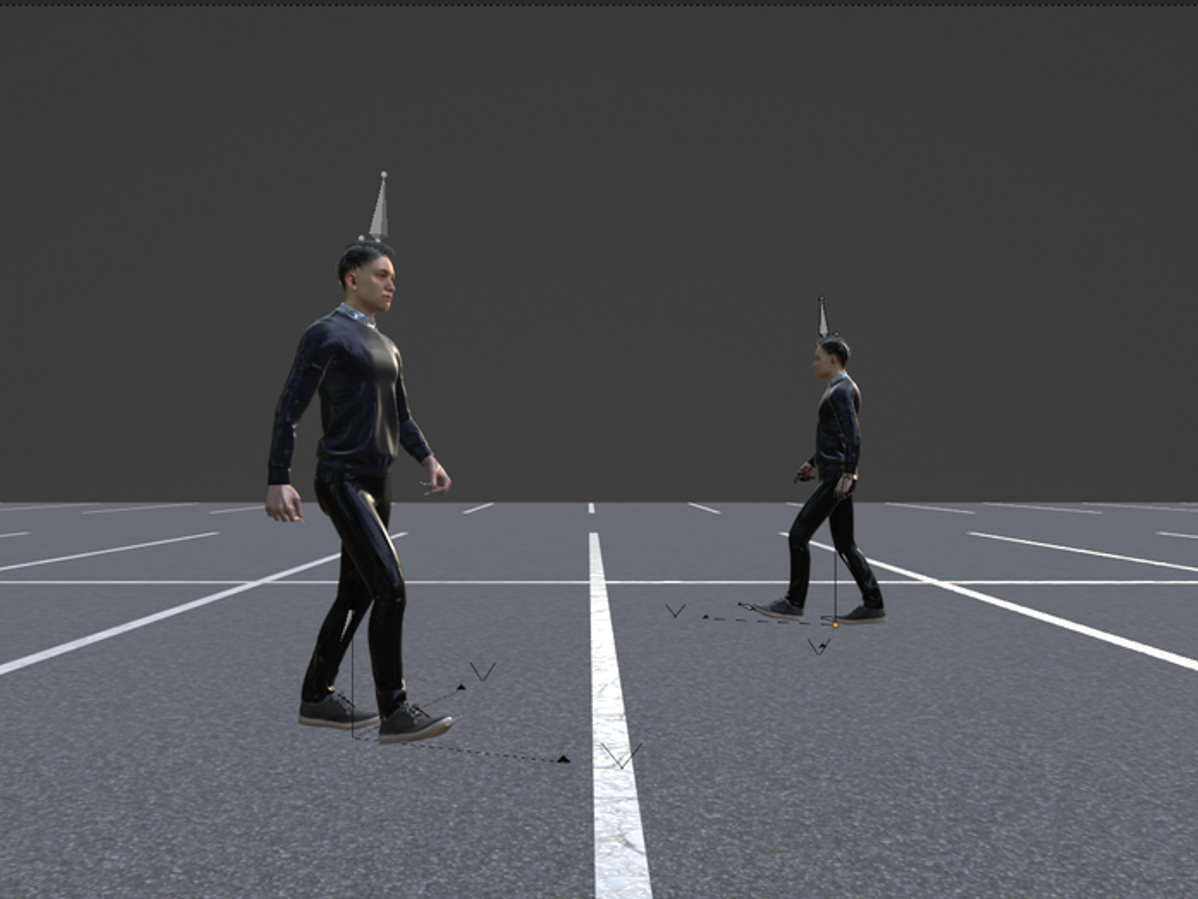
Digital Twin Scenarios
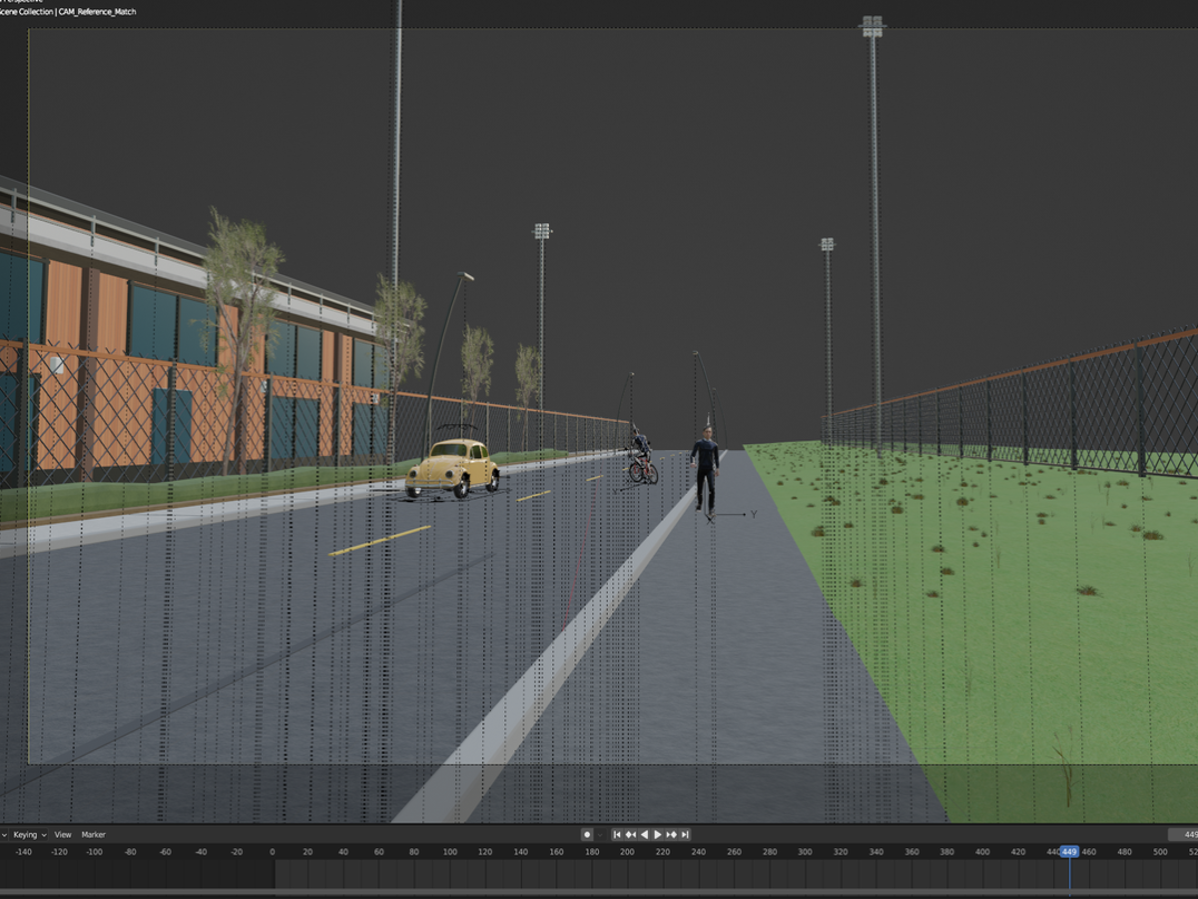
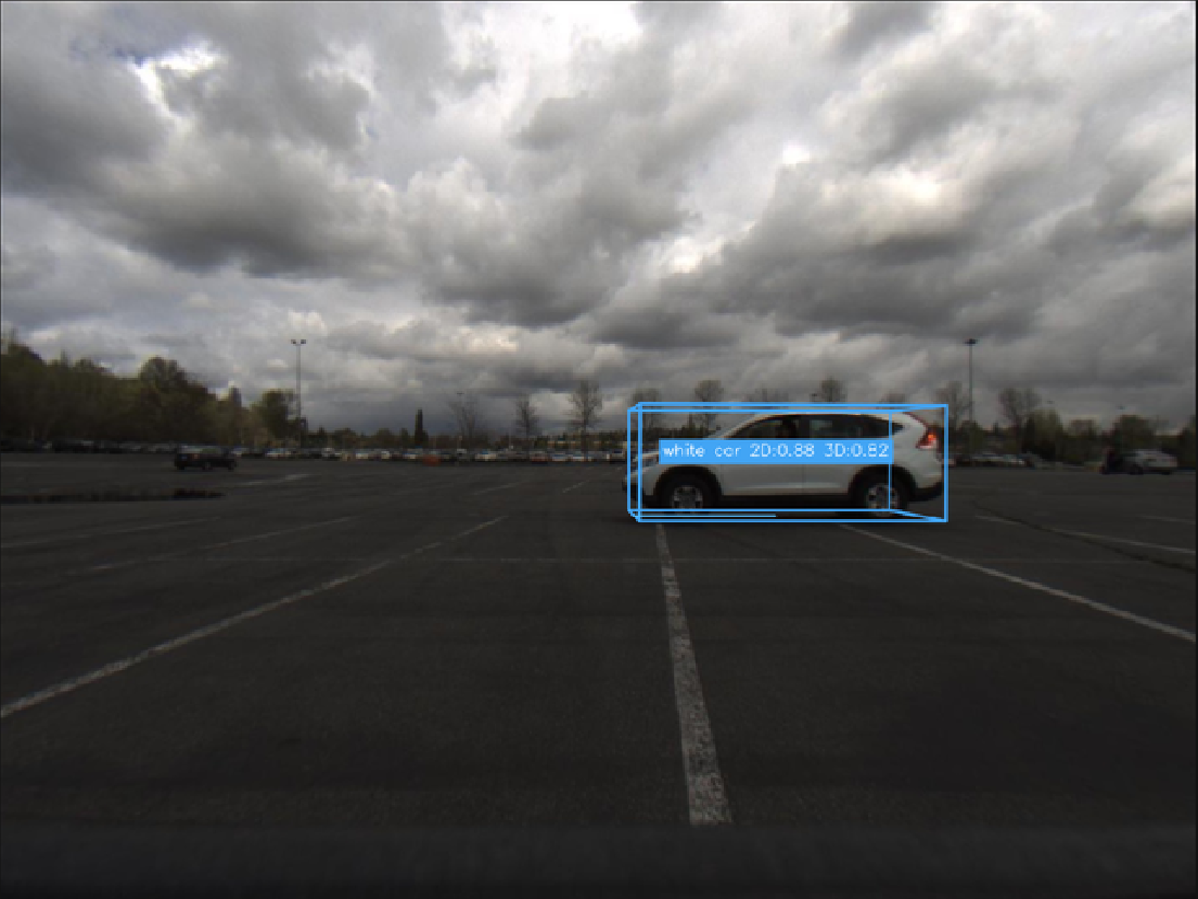
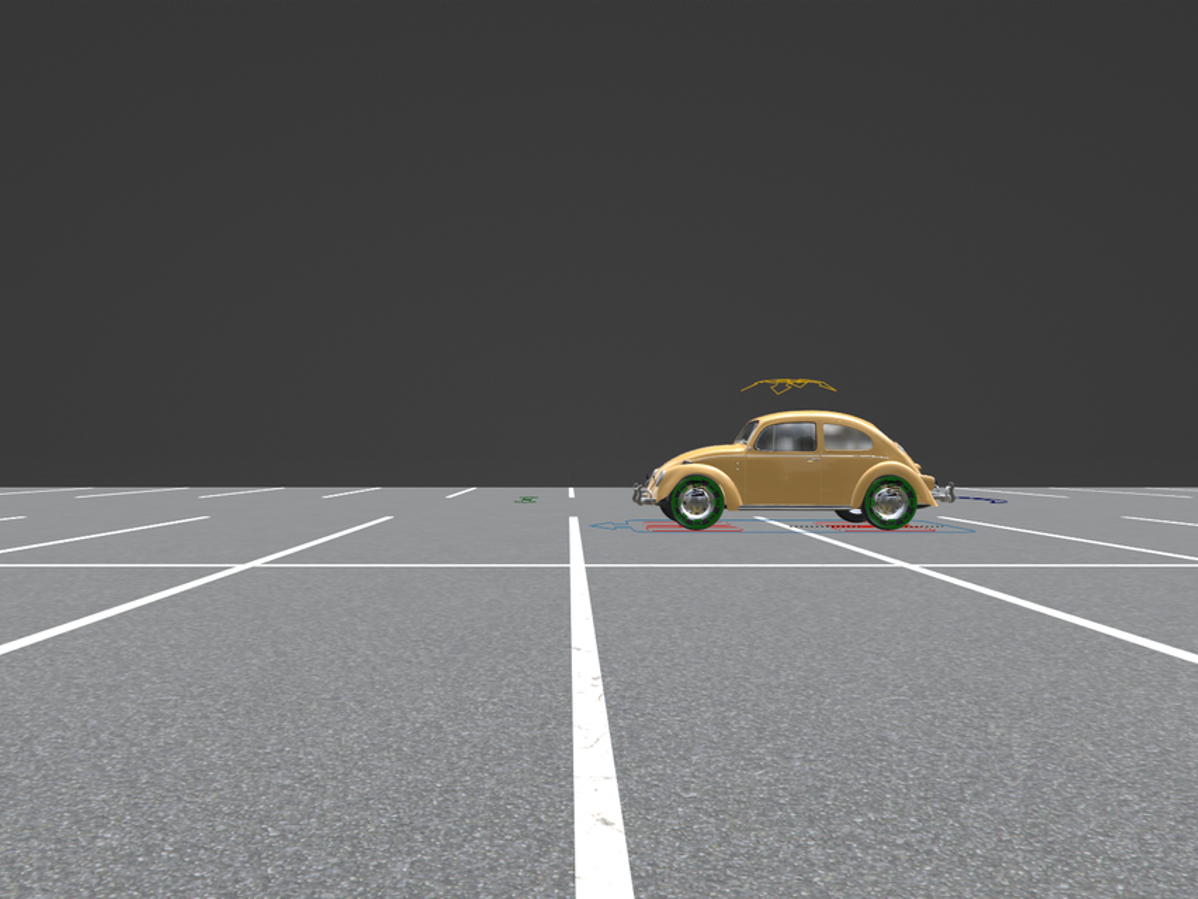
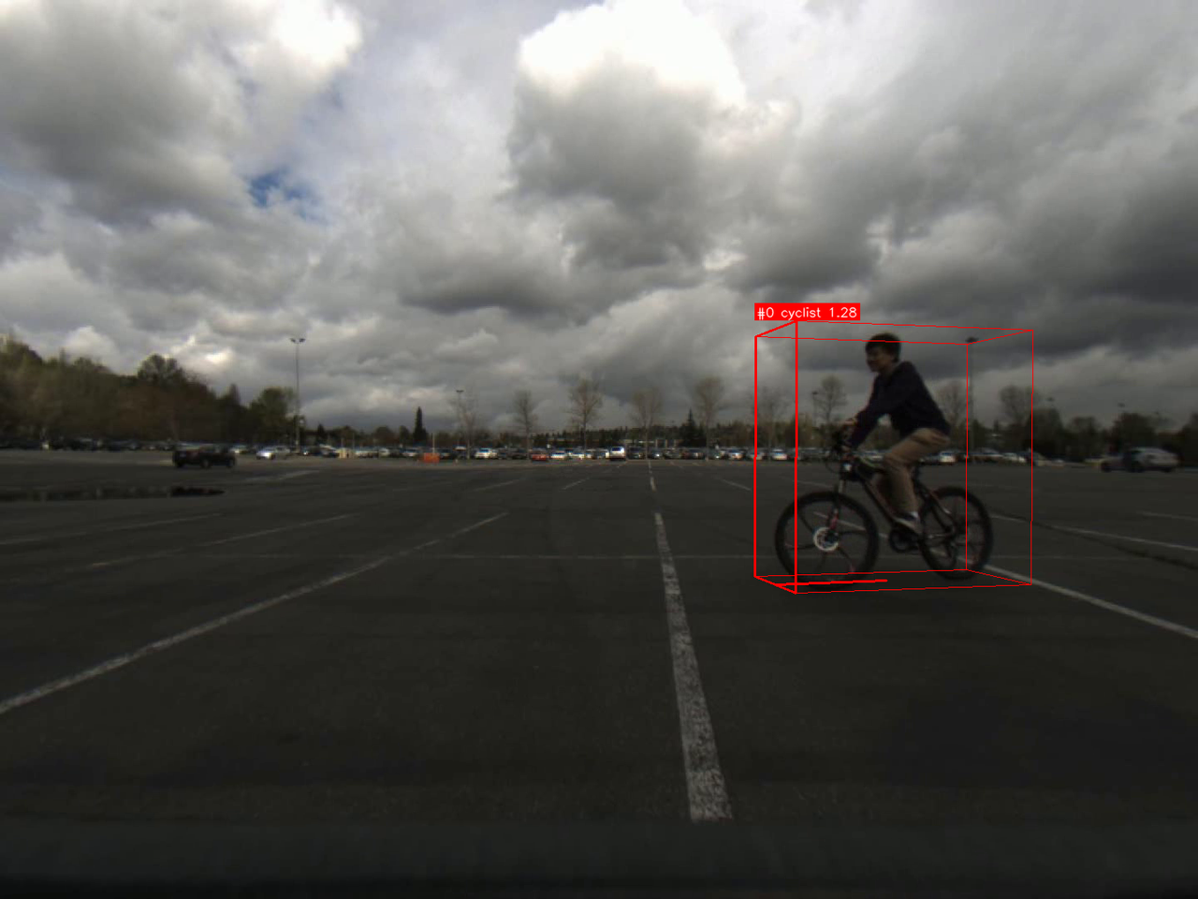
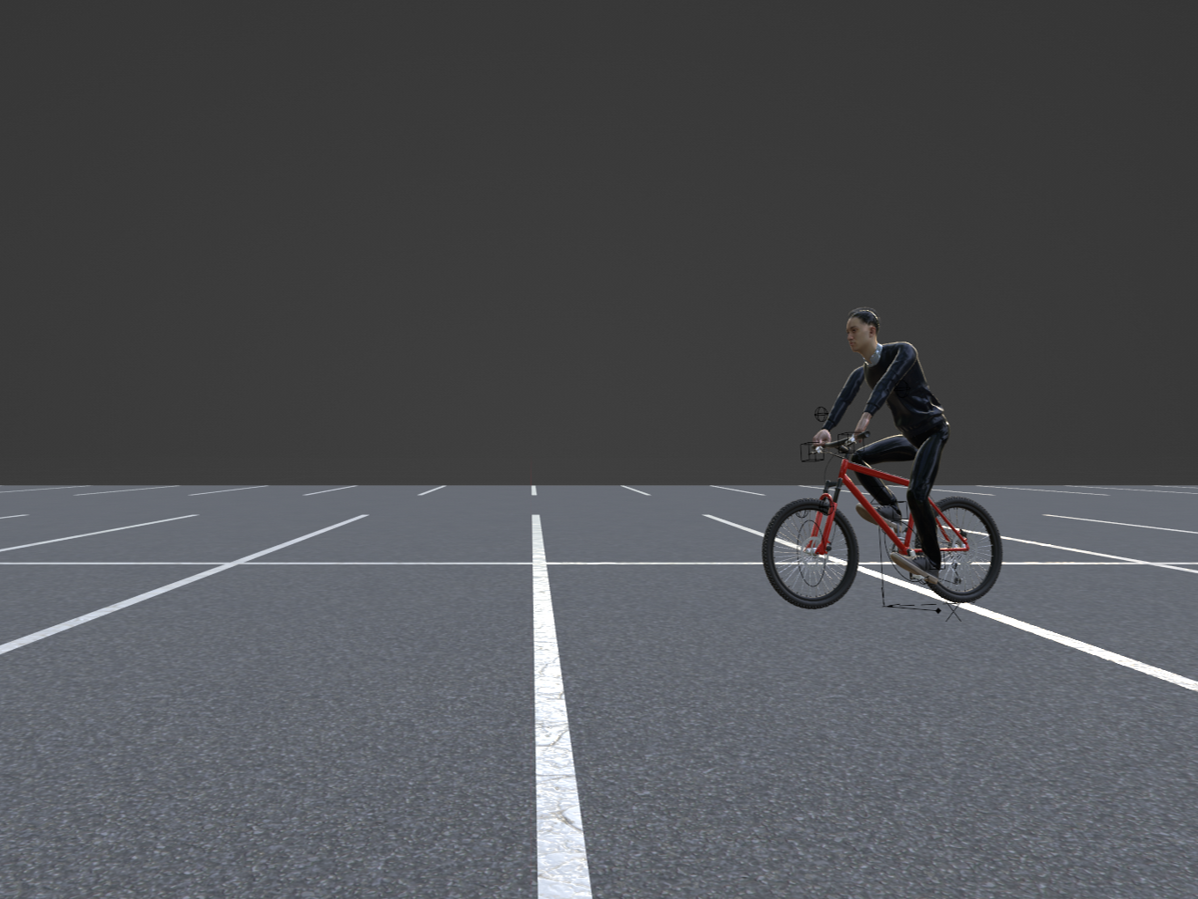
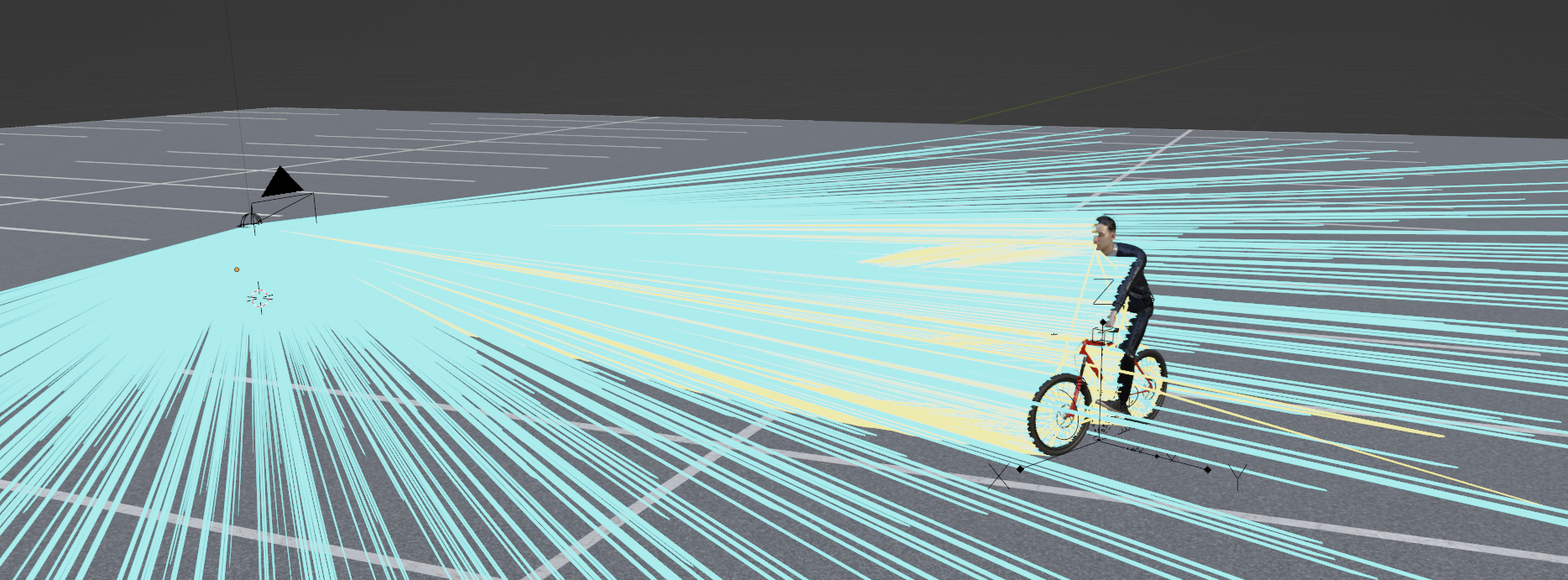
Ray-Tracing
Ray-Tracing Demo 1
Ray-Tracing Demo 2
Video
Parking Lot — Pedestrian Approaching
Scenario
Range-Doppler Map
Micro-Doppler
Parking Lot — Car Approaching
Scenario
Range-Doppler Map
Micro-Doppler
Sim2Real
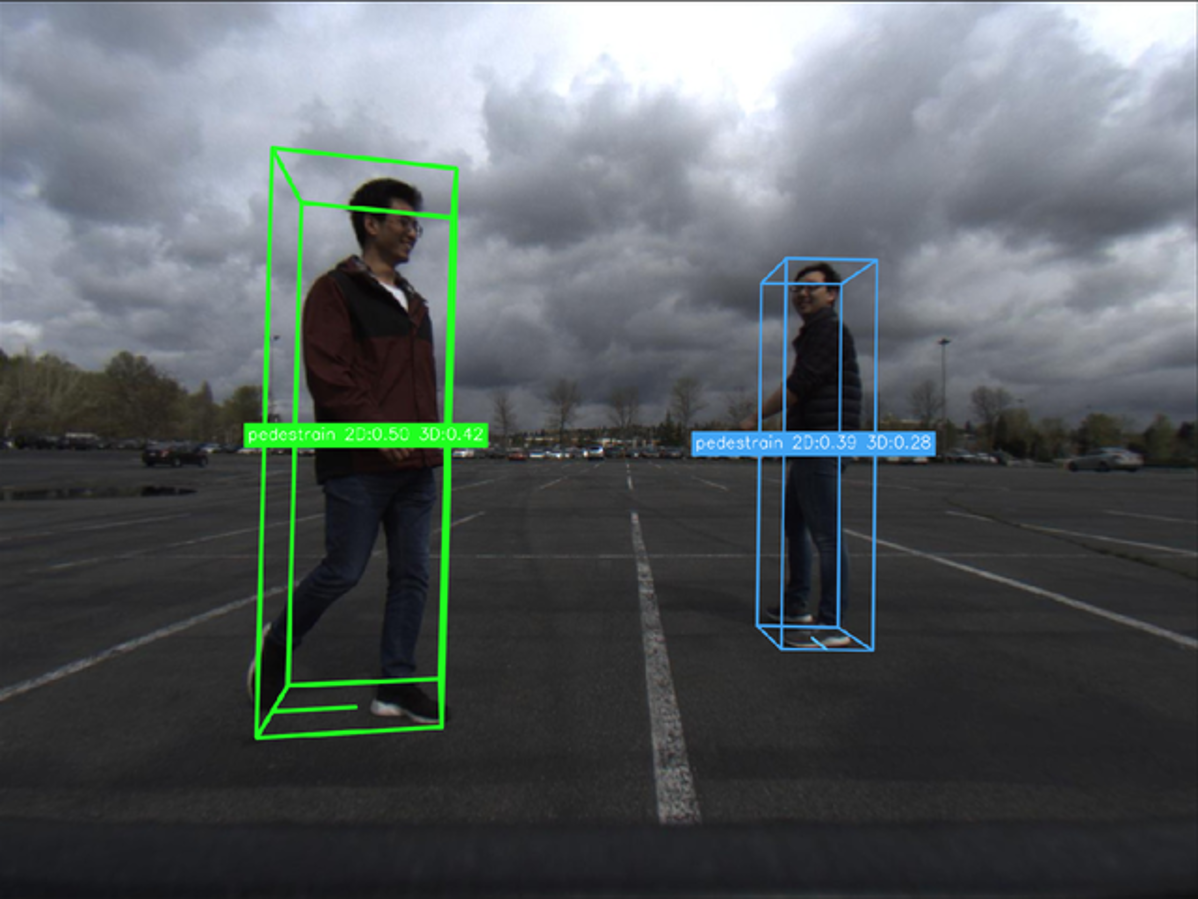
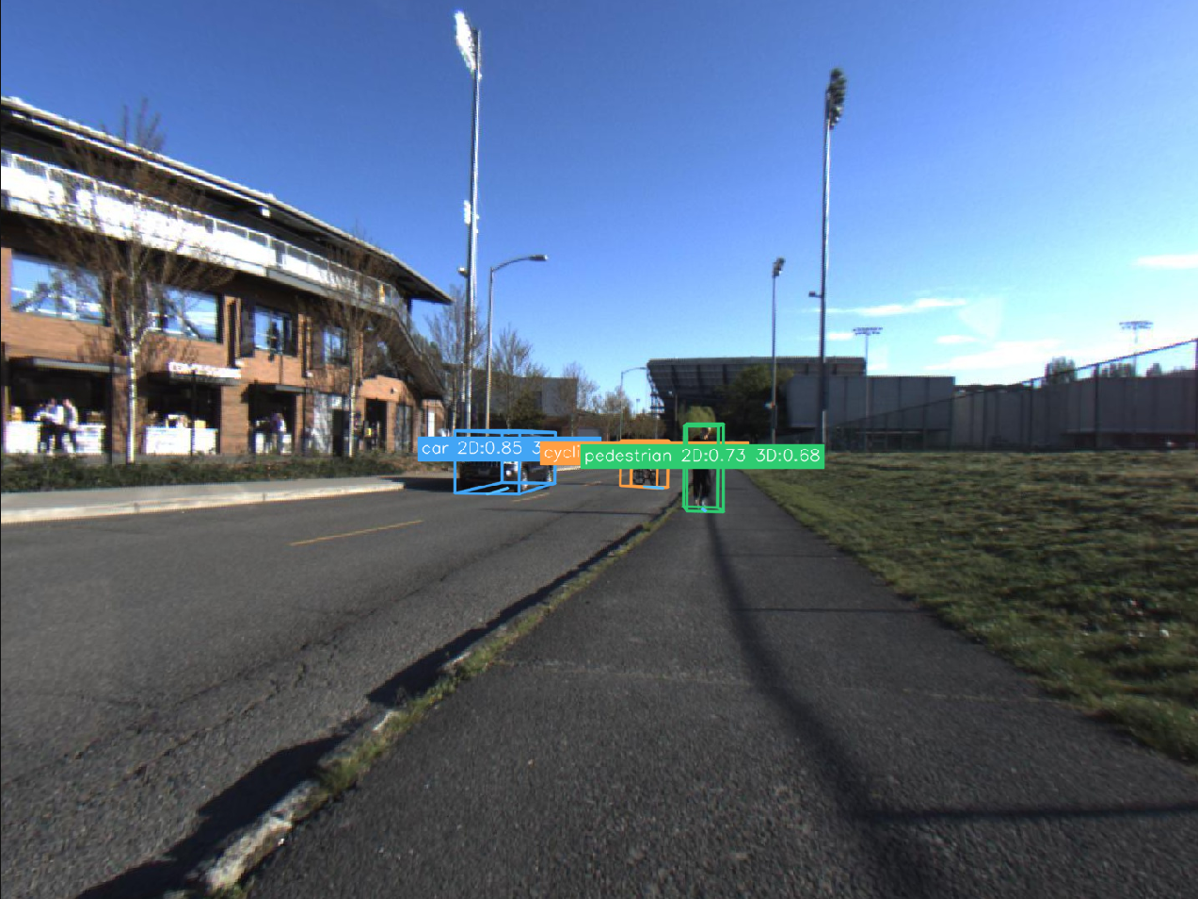
RAMP-CNN Digital Twin
Camera
BMS1000
Real Radar
BMS1000
Sim Radar
BMS1000
Camera
PMS2000
Real Radar
PMS2000
Sim Radar
PMS2000
Quantitative Comparison
Quantitative comparison between measured and simulated Range–Doppler maps in terms of RMSE and PSNR. ↓ denotes lower is better and ↑ denotes higher is better.
| Scenario | Method | RMSE ↓ | PSNR [dB] ↑ |
|---|---|---|---|
| BMS1000 | RadarSimPy | 0.298 | 11.94 |
| AuRaSim | 0.172 | 15.27 | |
| PMS2000 | RadarSimPy | 0.189 | 15.46 |
| AuRaSim | 0.159 | 16.11 | |
| MLMS001 | RadarSimPy | 0.233 | 12.90 |
| AuRaSim | 0.111 | 19.40 | |
| Average | RadarSimPy | 0.240 | 13.43 |
| AuRaSim | 0.147 | 16.93 |
Bibliography
- Blender Foundation, Blender. Open-source 3D creation suite. Accessed Oct. 1, 2026.
- Fayçal Aït Aoudia, Jakob Hoydis, Merlin Nimier-David, Sebastian Cammerer, and Alexander Keller, Sionna RT: Technical Report, arXiv:2504.21719, 2025.